Target Audience
Effective automation relies on sending the right message to the right person. The platform provides a robust system for organizing your contacts into Groups and Tags, allowing you to trigger campaigns based on specific lead characteristics or behaviors.
1. Contact Groups
Groups act as the primary containers for your audience segments. You can manage these from the Target Audience section.
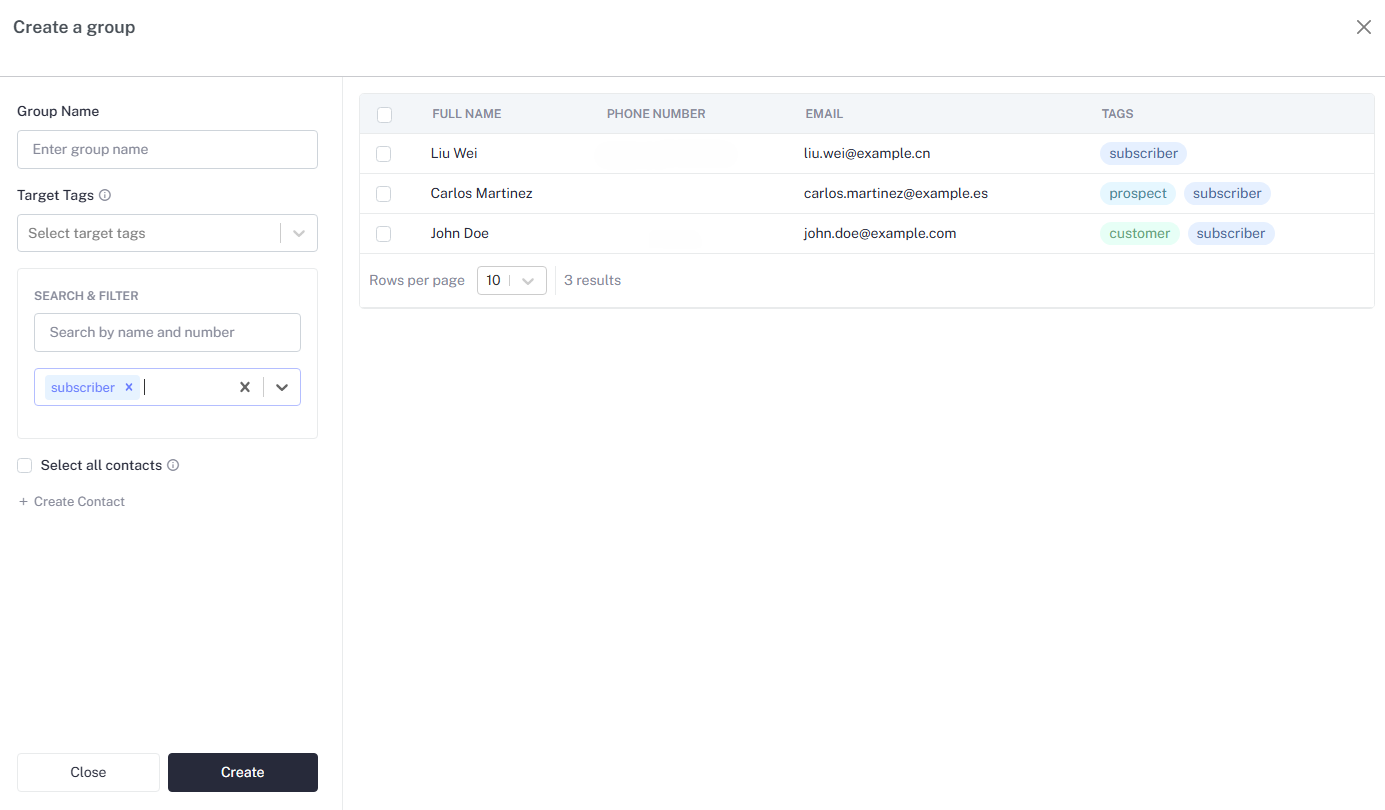
Group Types
- Static Groups: Contacts are added manually or via CSV import. The list remains unchanged unless you manually add or remove individuals.
- Dynamic/Tag-Based Groups: Contacts are automatically filtered into these groups based on assigned tags. This is ideal for automated enrollment in "Welcome" or "Nurture" workflows.
Managing Groups
- Create Group: Click the + Create Group button to define a new segment.
- View Members: See the total count of contacts within a group (e.g.,
5 Contacts). - Actions: Use the action menu to Edit group names, View specific members, or Delete segments that are no longer needed.
2. Tagging System
Tags are flexible labels you can attach to contacts to track interests, lead status, or acquisition source.
- Categorization: Use tags like
Hot Lead,Newsletter, orWebinar-Marchto label your audience. - Automation Triggers: Tags are the engine behind the Auto-Enroll feature in Workflow Campaigns. When a contact receives a specific tag, they can be instantly pushed into a corresponding workflow.
3. Adding Contacts
You can populate your audience segments through several methods:
- Manual Entry Navigate to a group and click Add Contact.
- Enter essential details : * First & Last Name * Email Address * Phone Number (including Country Code for AI Calls)
- Tags: Assign relevant labels immediately.
Pro Tip: Always include the Country Code (e.g., +91 or +1) in the
phone number field. This is mandatory for the AI Call nodes to successfully
dial out during a campaign.
Data Hygiene: Periodically review your tags. Having too many overlapping
tags (e.g., NewUser and SignedUp) can make your automation logic difficult
to manage and result in contacts receiving duplicate communications.